

The Microsoft Store has recently updated how users can download apps from their website. To simplify and speed up the process they now use installers for each app of relying on links to open the full store app. This change allows downloads to commence with two clicks.
Previously when users clicked the download button on an apps store page a deep link would open the Microsoft Store app. Now a small executable file is downloaded that contains the code, for that specific installation. This efficient approach eliminates a step and allows installations to start immediately without waiting for the store to load.
So What’s Different About These New Installers?
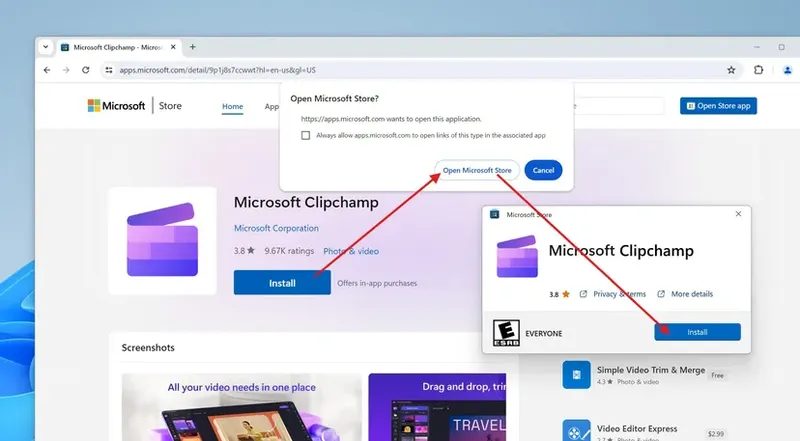
While some users appreciate the smoother experience offered by the installers there have been concerns raised about their design and functionality. Of utilizing the store app each download results in a file being placed in the downloads folder. Moreover worries have surfaced regarding increased data collection through these programs. Nevertheless Microsoft asserts that they operate similarly to the store by providing updates and compatibility checks.
Only time will reveal whether users prefer the updated process or feel more secure using the store app. In any case it’s evident that Microsoft is continuously experimenting with methods to enhance how individuals find and acquire software. Whether this alteration gains popularity remains uncertain. The companys emphasis, on simplifying downloads can only benefit customers.